Drawing that feels like drawing
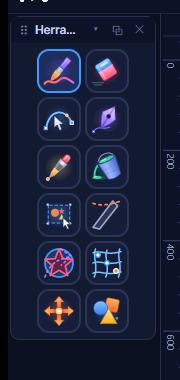
Brush with tablet pressure, eraser, smoothing, size and opacity. Shapes, a Bézier pen, bucket fill and eyedropper, plus your own color picker with color harmonies.

Private beta
Motloop is a 2D animation app for Windows: light, direct and built by one developer who respects the craft.
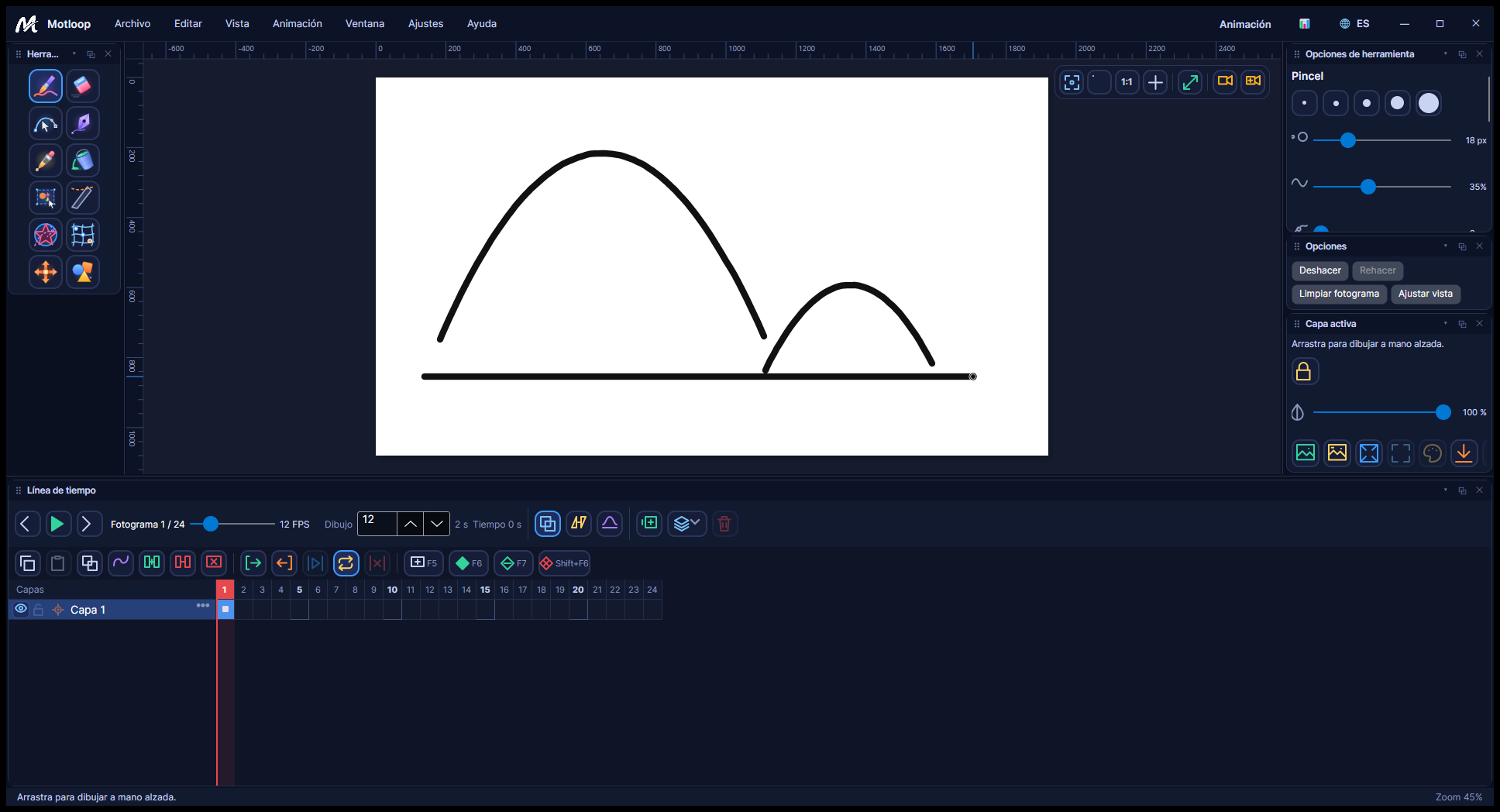
Big animation suites do a lot. Many days you only want to draw, check the timing and export. Motloop is built for those days.
It detects your hardware and offers Light, Standard and High profiles, so it runs on modest machines too.
Every action is searchable with Ctrl+K and 75 shortcuts are yours to change. Export MP4 without installing anything else.
Onion skin, speed curves and exposure blocks, because timing and spacing are the job. The app gets out of the way.
Four steps, the way you already work.
Brush with tablet pressure, eraser, smoothing, shapes and Bézier pen on a canvas with rulers and guides.
Add and delete frames, see the previous ones with onion skin and drag exposure blocks on the timeline.
Play with a real clock, set loop and range, and shape the motion with speed curves per segment.
H.264 MP4, GIF or PNG sequence with a progress bar and cancel button. Nothing else to install.
Brush with tablet pressure, eraser, smoothing, size and opacity. Shapes, a Bézier pen, bucket fill and eyedropper, plus your own color picker with color harmonies.
Onion skin to see neighboring frames, frame insertion and deletion, interpolation, playback with a real clock, range and loop, two FPS rates (drawing and output), cameras and cuts.
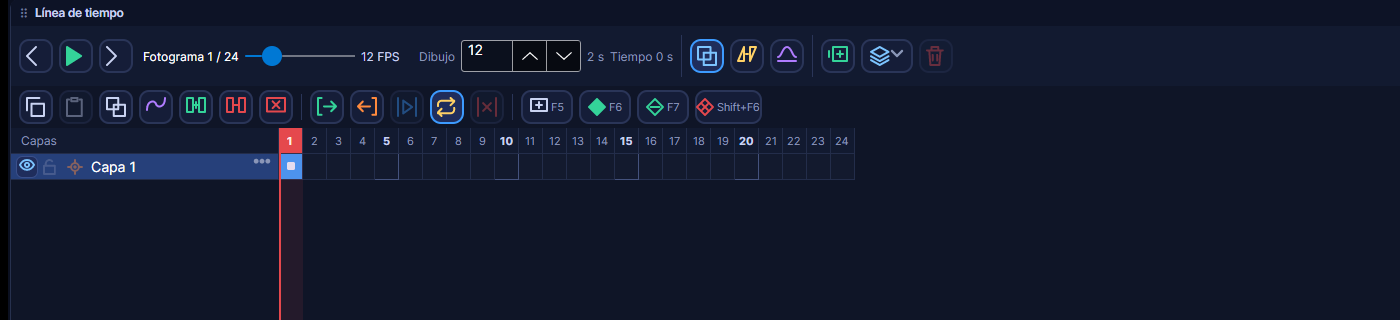
Cell zoom, draggable exposure blocks, thumbnails and markers.
Four easings per segment, with presets. Spacing is where the life is; here it takes one click.
MP4 (H.264), GIF and PNG sequence with a progress bar and cancellation. Nothing else to install.
75 customizable commands and a command palette (Ctrl+K) to find any action by name. Tooltips show your current shortcut.
Ctrl K
We compared Motloop with Toon Boom Harmony, OpenToonz and Krita on things you can verify, and we say where Motloop is not the best choice yet.
Motloop doesn't replace learning timing and spacing. It only clears the obstacles so you can practice them.
“You could say that animation is the art of timing.”
“Certainly for a film director, timing is the most important thing. For an animator, it's only half the battle. We need the spacing as well.”
“Most actions follow arcs. Generally, an action is in an arc.”
“Drawing should become second nature, so that the animator can concentrate on the actual actions and the timing of them and give the performance life.”
“If drawn 'classical' animation is an extension of drawing, then computer animation can be seen as an extension of puppetry — high tech marionettes. Both share the same problems of how to give a performance with movement, weight, timing and empathy.”
“It's a language of drawing. It's not a language of tongue.”

Microsoft Store
Motloop is being published on the Microsoft Store for Windows. Passing Microsoft certification means code review, a verified publisher identity and signed distribution: the app you install is exactly the one Microsoft reviewed. No odd installers, no third-party downloads and no hidden telemetry.
Publication is in progress. The public Store listing is not live yet.
Hi, I'm Eduardo Roa, a full-stack developer. I build Motloop alone because I want animators to have a tool that helps and doesn't get in the way.
Leave your email and we'll tell you when the download is ready. Nothing else.
The download isn't open yet. Leave your email and we'll tell you the day it is.