
Everything Motloop does today
This list only includes what the app already does. What isn't built yet is marked as in development or on the roadmap.
Drawing that feels like drawing
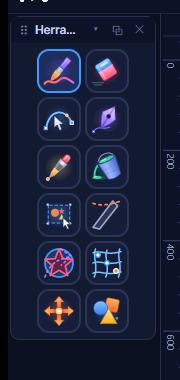
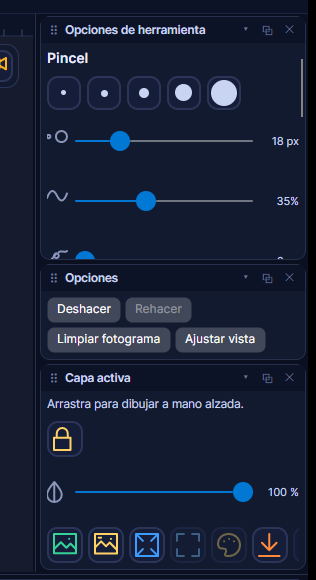
Brush with tablet pressure, eraser, smoothing, size and opacity. Shapes, a Bézier pen, bucket fill and eyedropper, plus your own color picker with color harmonies.
A canvas with room to think
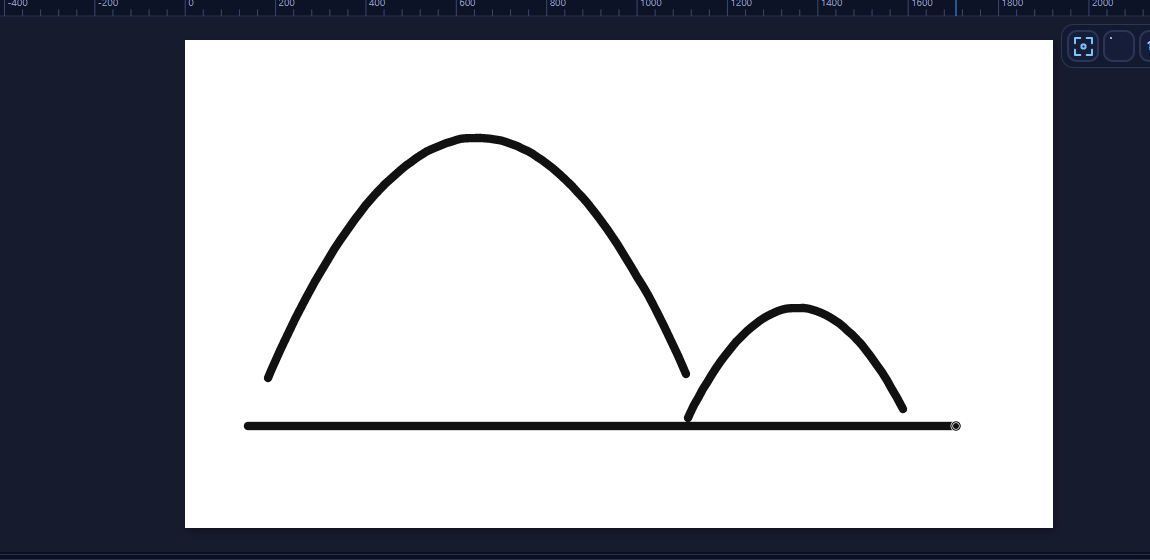
A bordered canvas with zoom, rulers and guides. See your whole drawing and its context.
Layers that stay out of the way
Groups, locking, opacity and order, bitmap layers and color cards.
Onion skin and frames
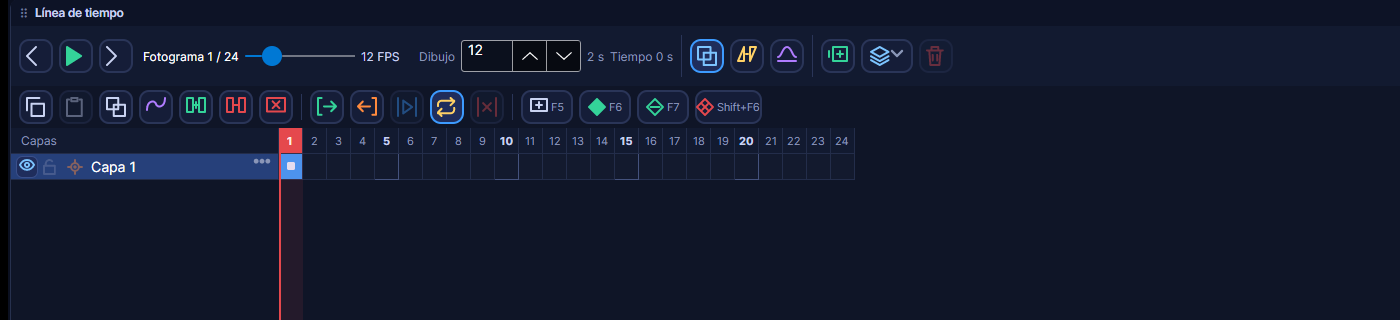
Onion skin to see neighboring frames, frame insertion and deletion, interpolation, playback with a real clock, range and loop, two FPS rates (drawing and output), cameras and cuts.
A timeline you can read
Cell zoom, draggable exposure blocks, thumbnails and markers.
Speed curves
Four easings per segment, with presets. Spacing is where the life is; here it takes one click.
- Constant
- Ease in
- Ease out
- Smooth
Deformers
In development
FFD mesh, envelope, curve deformation, bones with a skeleton, automatic weights and pins.
Export without extra installs
MP4 (H.264), GIF and PNG sequence with a progress bar and cancellation. Nothing else to install.
- MP4 (H.264)
- GIF
- PNG sequence
Projects you can trust
Your own .a2d format with atomic writes, a thumbnail and assets inside the file. Autosave and recovery after a forced close.
Shortcuts and command palette
75 customizable commands and a command palette (Ctrl+K) to find any action by name. Tooltips show your current shortcut.
Ctrl K
Runs on modest machines
Hardware detection and Light, Standard and High performance profiles. The interface is available in Spanish and English.
- Light
- Standard
- High
On the roadmap (not available yet)
These are planned, not released: macOS and Linux versions, WebM, ProRes and sprite sheet export, an interactive tutorial and an audio track on the timeline.
Get one email the day Motloop launches
Leave your email and we'll tell you when the download is ready. Nothing else.